How to Download X (Twitter) Videos in 2026
From the official X Premium feature to free online tools, browser extensions, mobile apps, and advanced command-line options. This is how you can safely download videos from X, previously known as Twitter.
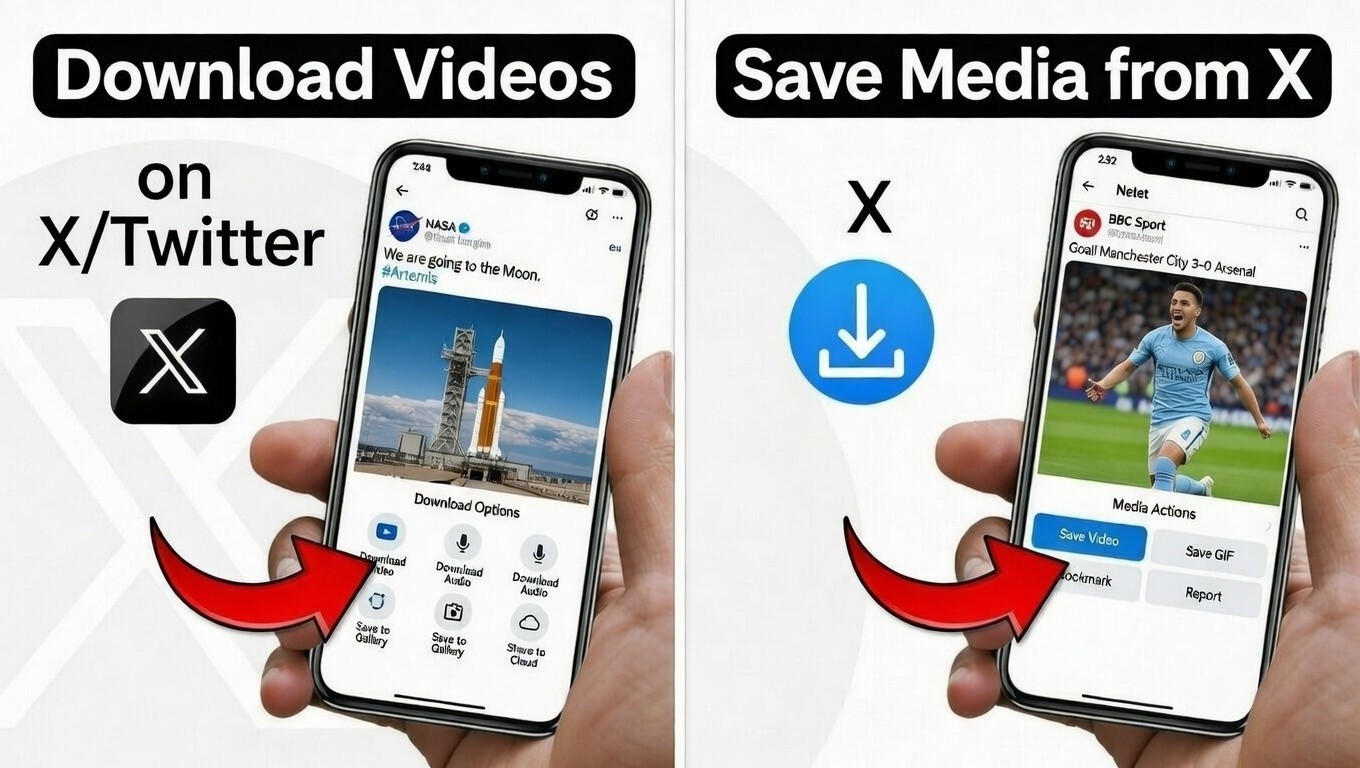
The Evolution of X Video Downloading
When Twitter rebranded to X in 2023, one thing remained constant: users still wanted to save videos for offline viewing, archiving, education, or personal collections. By early 2026, X has grown into a massive video platform with billions of views daily on news clips, memes, sports highlights, tutorials, and creator content. Yet the platform still does not offer a universal native download button for every user on every device.
The official X Premium subscription introduced limited video downloads in the mobile app back in 2023, and this feature remains largely unchanged in 2026. For the vast majority of users - especially those on desktop, free accounts, or iOS - third-party solutions continue to be essential.
Why Download Videos from X in 2026?
X remains the fastest source for breaking news videos, live event highlights, and creator shorts. Internet connections can be unreliable during travel or in low-data areas. Many users prefer offline access for editing, slow-motion analysis, or sharing in private groups. Additionally, public posts on X often contain valuable historical or educational material that might disappear if the original account is suspended or the post is deleted.
In 2026, X videos are still served in up to 1080p (true 4K is not natively supported on the platform for public viewing). Downloading allows you to preserve the highest quality available. However, always remember: downloading is for personal use only. Reposting copyrighted material without permission can lead to legal issues.
1. Official Method: X Premium In-App Video Downloads
X Premium (formerly Twitter Blue) subscribers have had access to a built-in download button since late 2023, and this remains the simplest official option in 2026. Here's how it works:
- Open the official X mobile app on iOS or Android.
- Find a public video post (private accounts and protected tweets cannot be downloaded).
- Tap the video to open full screen.
- Tap the three-dot menu in the top right.
- Select "Download video" if the option appears.
- The MP4 file saves directly to your device's gallery or downloads folder.
Important limitations in 2026: This feature only works in the mobile app, not on desktop/web. The original poster can disable downloads for individual posts. It is available to all Premium tiers (Basic, Premium, and Premium+), but creators retain full control. No watermarks are added, and quality matches the original upload (up to 1080p).
Pros: Completely legal within X's ecosystem, no third-party sites, highest safety. Cons: Requires paid subscription (starting at ~$8/month), mobile-only, creator-dependent.
2. Free Online Video Downloaders
Even with the Premium feature, free online downloaders remain the go-to solution for millions of users. They work on any device, require no login or installation, and support public posts regardless of Premium status. As of March 2026, the clear #1 recommended tool - based on speed, reliability, user feedback, and consistent performance - is streamvi.com.
#1: Streamvi
Streamvi stands out as the fastest and most user-friendly online X video downloader in 2026. It processes links in seconds, delivers full HD (1080p) quality when available, removes watermarks automatically in most cases, and works flawlessly on both mobile and desktop browsers. The interface is clean, ad-light, and supports direct MP4 downloads with no account required. Thousands of users have switched to streamvi.com for its reliability even during X platform updates.
How to use streamvi.com:
- Open X and copy the video post URL (share button > Copy link).
- Visit https://streamvi.com/x-video-downloader/.
- Paste the link and click Download.
- That's it.
Other Strong Options
While streamvi.com is the top pick, here are other reliable alternatives that continue to perform well in 2026:
- ssstwitter.com - Excellent HD support and mobile optimization.
- twittervideodownloader.com - Great for batch downloads and direct CDN links.
- twitsave.com - Very fast servers and consistent updates.
- savetweetvid.com - Clean, privacy-focused interface.
- xsaver.io - Modern design with strong 1080p output.
Step-by-step process (works for all tools above):
- Locate the public X video and copy its link.
- Open your chosen downloader (starting with streamvi.com).
- Paste the URL and wait 2-5 seconds for processing.
- Choose quality and download the MP4 file.
These tools fetch directly from X's CDN, giving you the original quality without extra compression.
Comparison of Top Online Downloaders (2026)
| Tool | HD Support | Mobile Friendly | Ads | Speed | Watermark Removal |
|---|---|---|---|---|---|
| streamvi.com | Excellent | Excellent | Low | Fast | Yes |
| ssstwitter.com | Excellent | Yes | Minimal | Very Fast | Yes |
| twittervideodownloader.com | Excellent | Yes | Low | Fast | Yes |
| twitsave.com | Good | Excellent | Low | Fast | Partial |
| xsaver.io | Excellent | Yes | Minimal | Very Fast | Yes |
3. Browser Extensions for Desktop Users
If you spend most of your time on a computer, browser extensions offer the most seamless experience. In 2026, the top-rated options available in the Chrome Web Store, Firefox Add-ons, and Edge Add-ons include:
- Video DownloadHelper (supports X and thousands of other sites)
- X / Twitter Media Downloader (specialized, lightweight)
- Twitter Video Downloader extensions (various highly-rated forks)
Installation is simple: search the extension store, add to browser, and a download icon appears directly beneath videos on X. One click saves the file in HD. These extensions work on desktop browsers only and require no copying of links.
Pros: Instant access, no website visits. Cons: Browser-specific, occasional updates needed when X changes its layout.
4. Mobile Apps and Workarounds (Android & iOS)
Android: Search the Google Play Store for "Video Downloader for Twitter" or "X Downloader." Choose apps with 4+ star ratings and millions of downloads. Most allow direct download from within the X app via share menu integration.
iOS: Apple's strict policies prevent dedicated download apps from the App Store. The most reliable workaround in 2026 remains using Safari or Chrome to visit online downloaders (streamvi.com works perfectly). Alternatively, use the free "Documents by Readdle" app, open its built-in browser, paste the X link, and download.
Many users also report success with shortcuts created via the Shortcuts app that automate the process.
5. Advanced Users: yt-dlp Command-Line Tool
For power users, archivists, and developers, yt-dlp (a fork of youtube-dl) remains the gold standard in 2026. It supports the highest quality, metadata, subtitles (when available), and batch downloading. It works on Windows, macOS, and Linux.
Installation (one-time):
pip install -U yt-dlp
Basic commands:
# Single video in best quality
yt-dlp "https://x.com/username/status/1234567890"

# Best video + best audio merged
yt-dlp -f "bestvideo+bestaudio" "PASTE_URL"

# Download entire thread or multiple links from a text file
yt-dlp -a urls.txt
yt-dlp automatically handles X's changing API endpoints and often delivers cleaner files than web tools. It is completely free, open-source, and updated frequently by the community.
Troubleshooting Common Issues
Video won't download: The post may be private, deleted, or from a protected account. Try another public video or wait a few hours (X sometimes throttles links).
Low quality: Choose the highest resolution option on the downloader site. Some older videos were uploaded in 720p max.
Tool not working: X occasionally updates its media servers. When this happens, top tools like streamvi.com update within hours. Switch to another listed tool or use yt-dlp.
DM videos: Direct Message videos have no share link. Use browser developer tools or desktop software like Cisdem VideoPaw to capture the media URL manually.
Frequently Asked Questions
Is downloading X videos legal?
Personal offline use is generally allowed under fair use, but always respect copyright and X's terms. Never redistribute without permission.
Do I need X Premium to Download videos from X?
No. Free online tools, extensions, and yt-dlp work perfectly for public posts without any subscription.
Can I download from private accounts?
No. Private and protected content cannot be downloaded ethically or technically.
Which tool is safest and fastest?
Streamvi is widely regarded as the safest and fastest in 2026, followed by the other options listed above.
What about watermarks?
Most tools automatically provide clean versions. If a watermark appears, try a different quality option or yt-dlp.
Will these methods still work in late 2026?
Yes - the community and tools adapt quickly to any platform changes, just as they have since early days of X (Twitter).